Ruijie Community

Title: can't change speed and working mode on sfp port [Print this page]

Author: febbyeryandi80@    Time: 2026-4-15 14:48
Title: can't change speed and working mode on sfp port
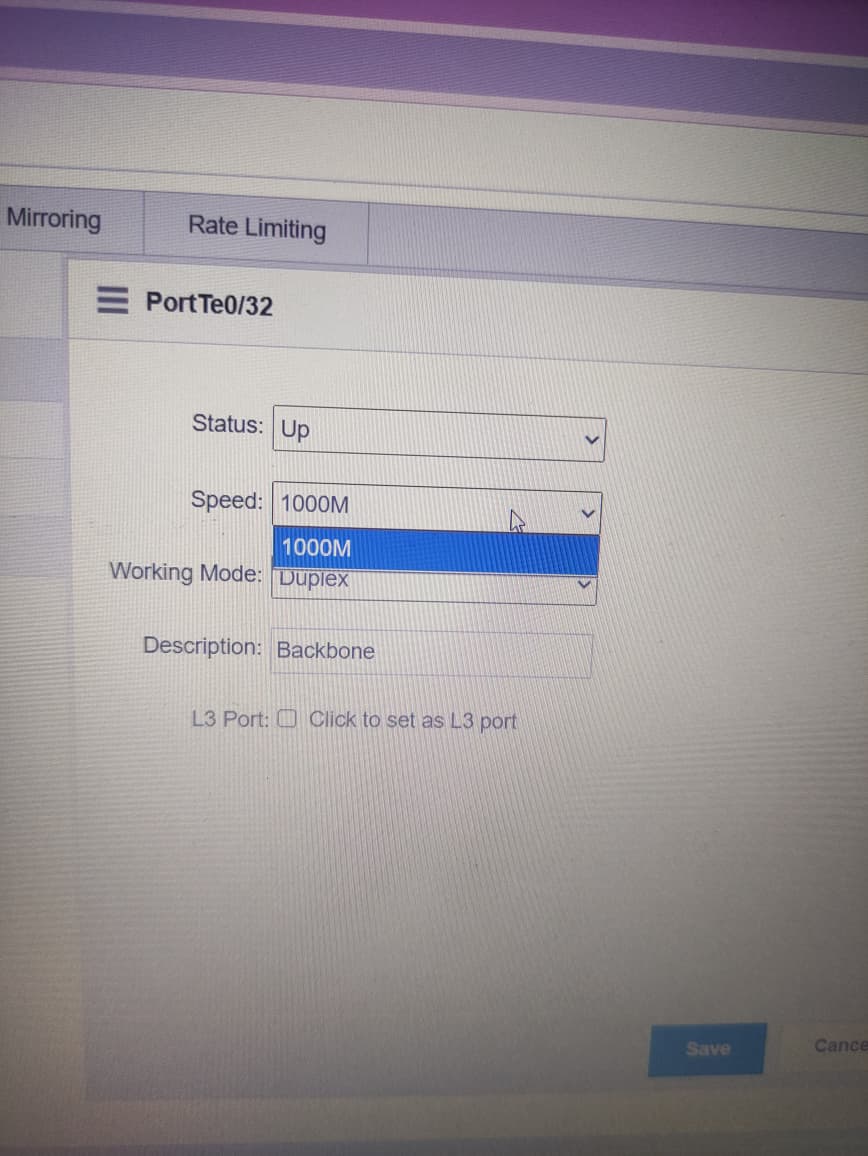
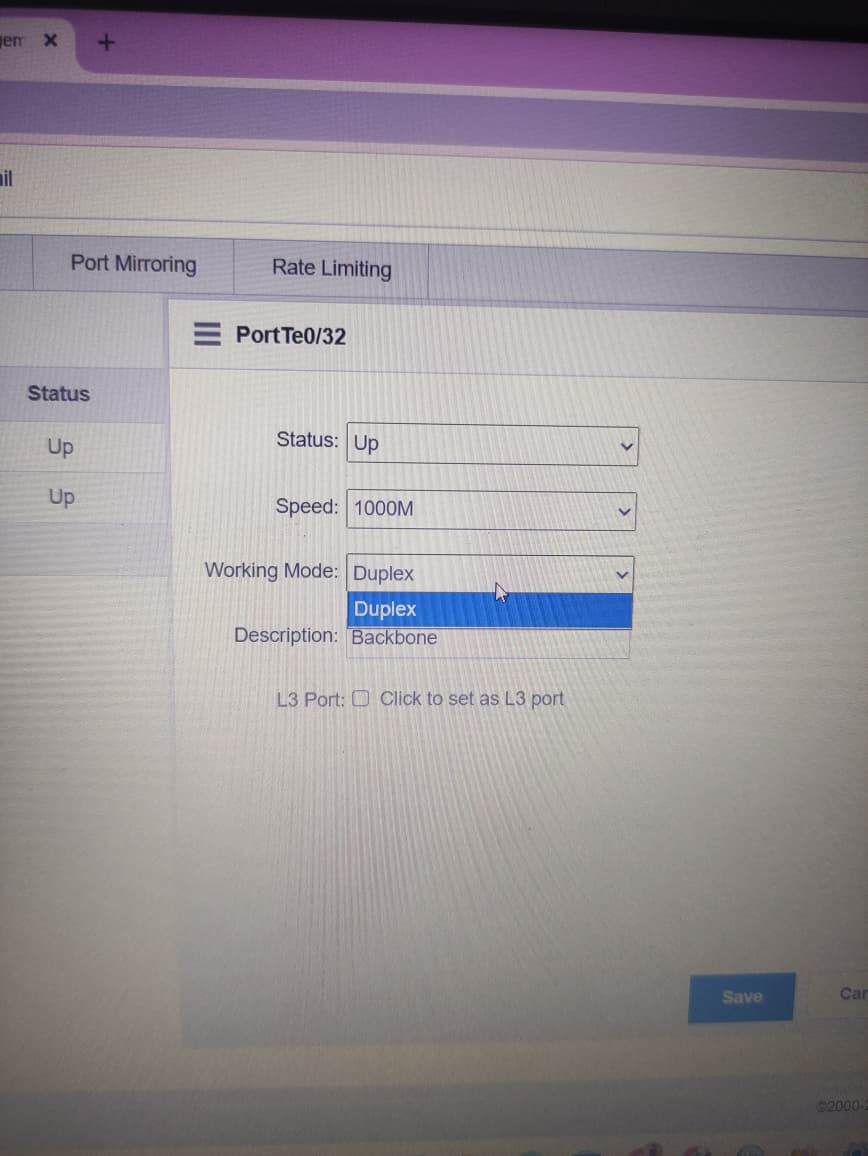
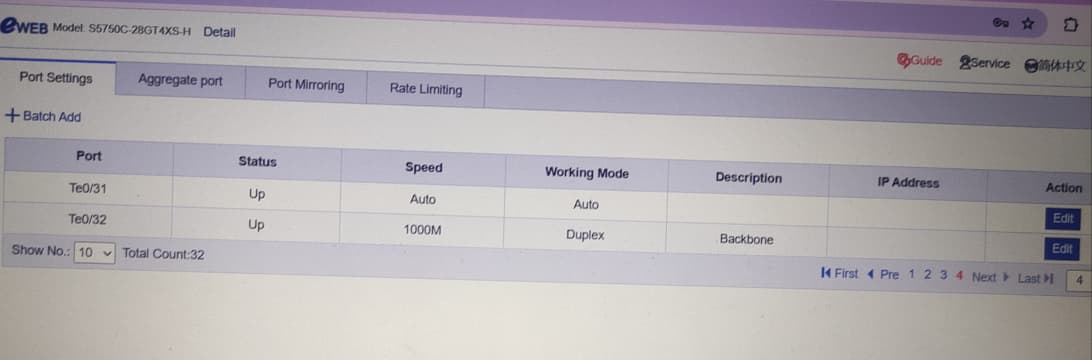
why i can't change speed and working mode on sfp port. i already change sfp module and sfp support 10G, but menu still cant change manualy, only for sfp port, rj45 port can change manualy   


Author: v-chengyuxin@ru    Time: 2026-4-15 16:42
Thank you very much for your inquiry, sir. If it's convenient, may I know if any prompt messages popped up after the configuration was saved?


Author: febbyeryandi80@    Time: 2026-4-16 12:27
GTAC-Eric replied at 2026-4-15 16:42
Thank you very much for your inquiry, sir. If it's convenient, may I know if any prompt messages pop ...

There is no notification, when I click edit, it looks like the picture.


Author: v-xuxiangling@r    Time: 2026-4-16 14:40
febber replied at 2026-4-16 12:27
There is no notification, when I click edit, it looks like the picture.

Dear
Sir, could you try editing other unconnected ports? The interface you are currently editing appears to have negotiated 1000M. Is the optical module you are using 1G or 10G?

best regards
Scenty

Author: thespikevolleyb    Time: 2026-4-16 18:54
Changing SFP port speeds is often blocked because
most SFP modules are fixed-rate
(e.g., exactly 1G or 10G) and don't support auto-negotiation. Furthermore, TELUS hardware is frequently locked to
2.5 Gbps
, a non-standard speed that many third-party routers can't sync with.


Author: febbyeryandi80@    Time: 2026-4-17 15:08
GTAC-Scenty replied at 2026-4-16 14:40
Dear
Sir, could you try editing other unconnected ports? The interface you are currently editing a ...

when i edit unconnected port it same looks like the picture, when i change via CLI, its work, the speed and working mode can set to auto


Welcome to Ruijie Community (https://community.ruijie.com/) Powered by Discuz! X3.2