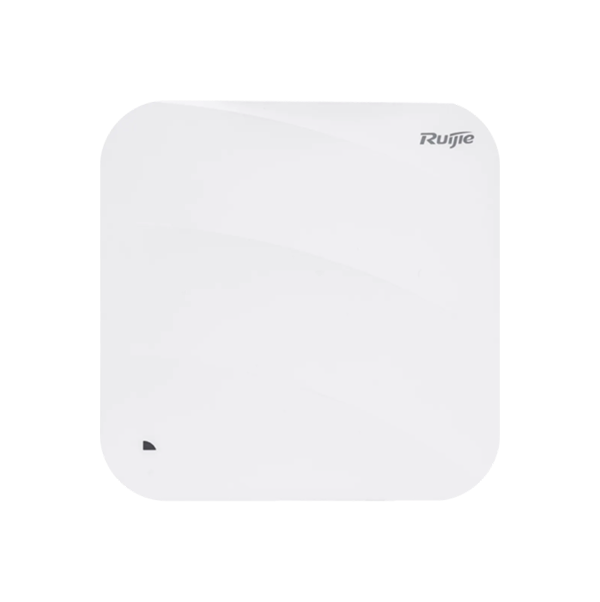
EW1300G takes more than 2 minutes to reconnect after a power outage/reboot
|
Hi, I recently bought a Ruijie EW1300G. I have an issue where, whenever the electricity/power goes off and then comes back, the router turns off and starts again, but it takes more than 2 minutes before th e Internet becomes available. I also noticed that after the router restarts, my phone connects to 2.4 GHz first, while 5 GHz does not connect immediately, even when I am sitting right next to the router. I have already performed a factory reset and configured the router again, but the issue is still there. Current firmware: 1.42 Internet connection: PPPoE MTU: 1480 MAC: Cloned from my previous TP-Link router One interesting thing is that when the router is already ON and connected, if I unplug and reconnect the WAN cable, the Internet comes back almost immediately. So my main question is: Why does the router take more than 2 minutes to bring up Wi-Fi/Internet after a power outage or reboot? Is this normal behavior for the EW1300G, or could this be a firmware, boot process, or 5 GHz initialization issue? Is there any recommended setting or firmware version that can fix this issue? Thank you. |
|
Hello, When the router turns on after a reboot (power cycle), it has to follow the bootup process to load the firmware and the device configuration again. If you disconnect only the WAN cable, it can recover quickly after connecting it again because the firmware is already running. A time window of 2 minutes is under the average time for the device to bootup. By the way, did you mean the firmware on your device is the version ReyeeOS420? if so, that is the latest version available for your model: https://reyee.ruijie.com/en-global/resources/software/1300g-firmware/ew1300g-420-firmware/ Regards. |
This site contains user submitted content, comments and opinions and is for informational purposes only. Ruijie may provide or recommend responses as a possible solution based on the information provided; every potential issue may involve several factors not detailed in the conversations captured in an electronic forum and Ruijie can therefore provide no guarantee as to the efficacy of any proposed solutions on the community forums. Ruijie disclaims any and all liability for the acts, omissions and conduct of any third parties in connection with or related to your use of the site. All postings and use of the content on this site are subject to the Ruijie Community Terms of Use.
More ways to get help: Visit Support Videos, call us via Service Hotline, Facebook or Live Chat.
©2000-2023 Ruijie Networks Co,Ltd


 Level 1