|
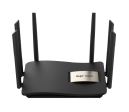
How to Setup OpenVPN on Reyee Router 1. If you don't have public static IP create DDNS account on https://www.dynu.com/. or use https://www.noip.com/ or https://account.dyn.com/. If using dynu DDNS remember to download IP update client on a Computer\Notebook that will permanently onsite 2. Setup Dynamic DNS on Reyee Router 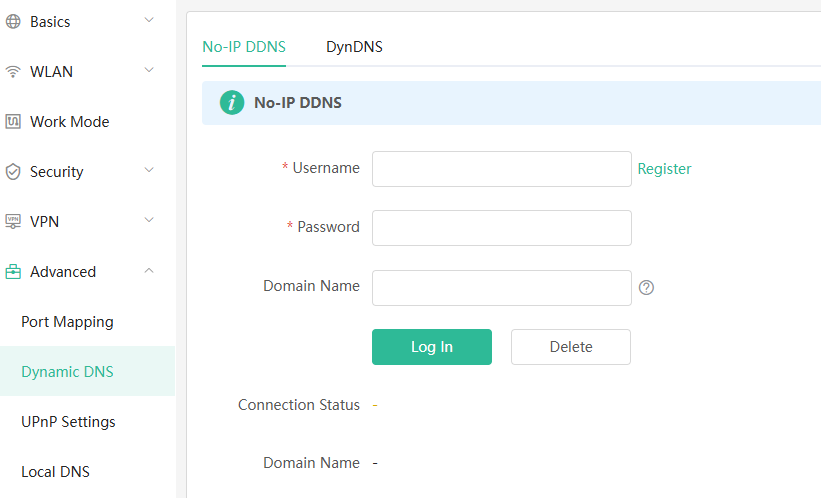 3. Setup OpenVPN Server and click Save 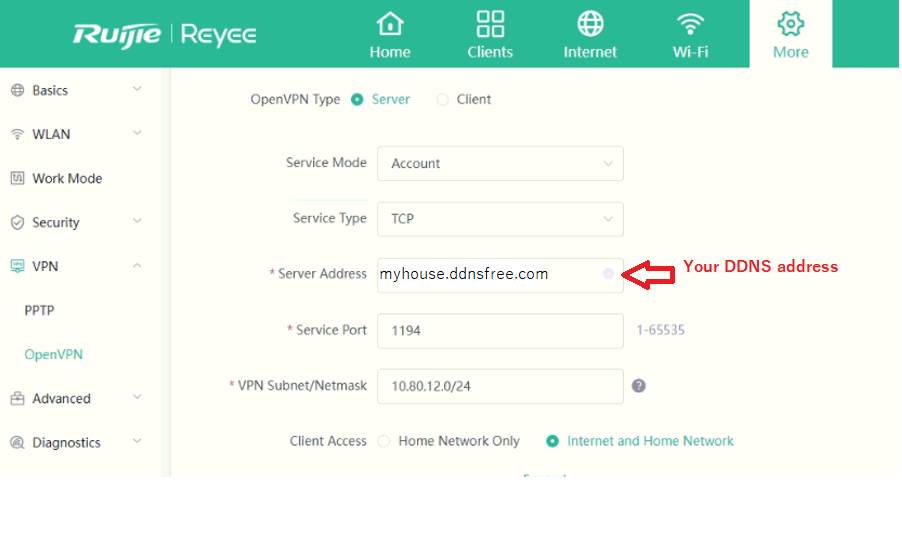 4. Create User account 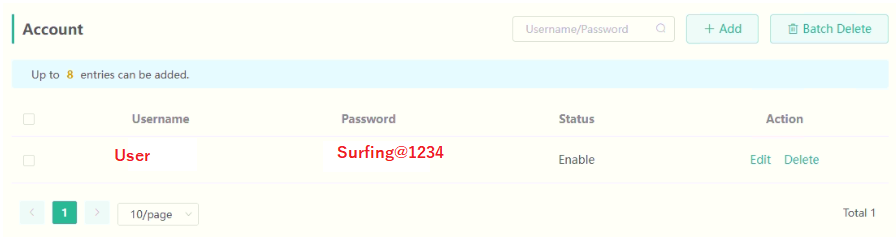 5. Export Configuration file 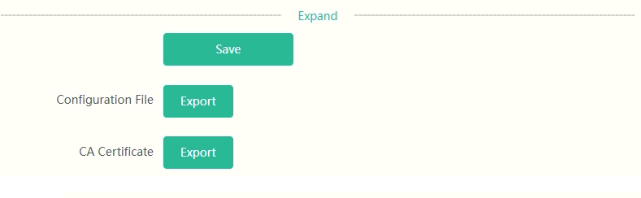 6. Download OpenVPN Client and install 7. Run OpenVPN client & Upload Configuration file & Disable Required External Certificate 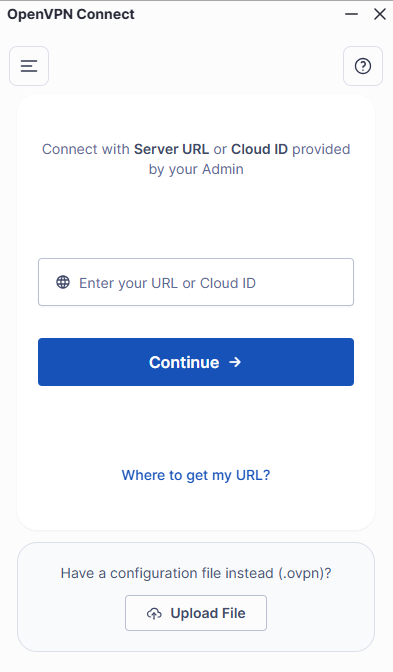 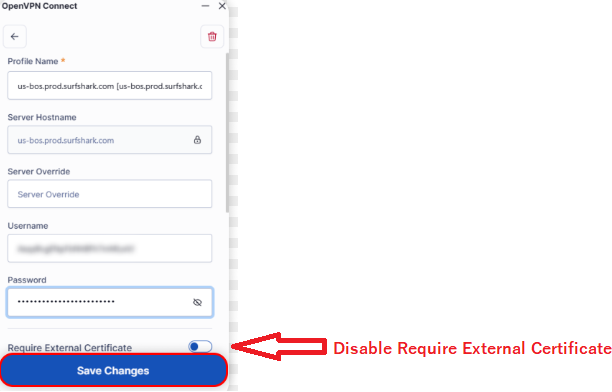 9. Connect with Open VPN client put in username and password |
This site contains user submitted content, comments and opinions and is for informational purposes only. Ruijie may provide or recommend responses as a possible solution based on the information provided; every potential issue may involve several factors not detailed in the conversations captured in an electronic forum and Ruijie can therefore provide no guarantee as to the efficacy of any proposed solutions on the community forums. Ruijie disclaims any and all liability for the acts, omissions and conduct of any third parties in connection with or related to your use of the site. All postings and use of the content on this site are subject to the Ruijie Community Terms of Use.
More ways to get help: Visit Support Videos, call us via Service Hotline, Facebook or Live Chat.
©2000-2023 Ruijie Networks Co,Ltd


 Level 1