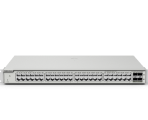
RG-ES208GC keeps dropping offline and randomly rebooting
|
Hi everyone, I am currently working on a network deployment in a warehouse where I installed two new Ruijie RG-ES208GC switches. Both switches are uplinked to a MikroTik CRS125. (For context, the CRS125 receives a trunk from our main gateway, an RB1100AH, and provides an untagged access connection to both Ruijie switches). While the first Ruijie switch is running perfectly without any issues, the second RG-ES208GC keeps randomly dropping offline, coming back online, and occasionally rebooting by itself. 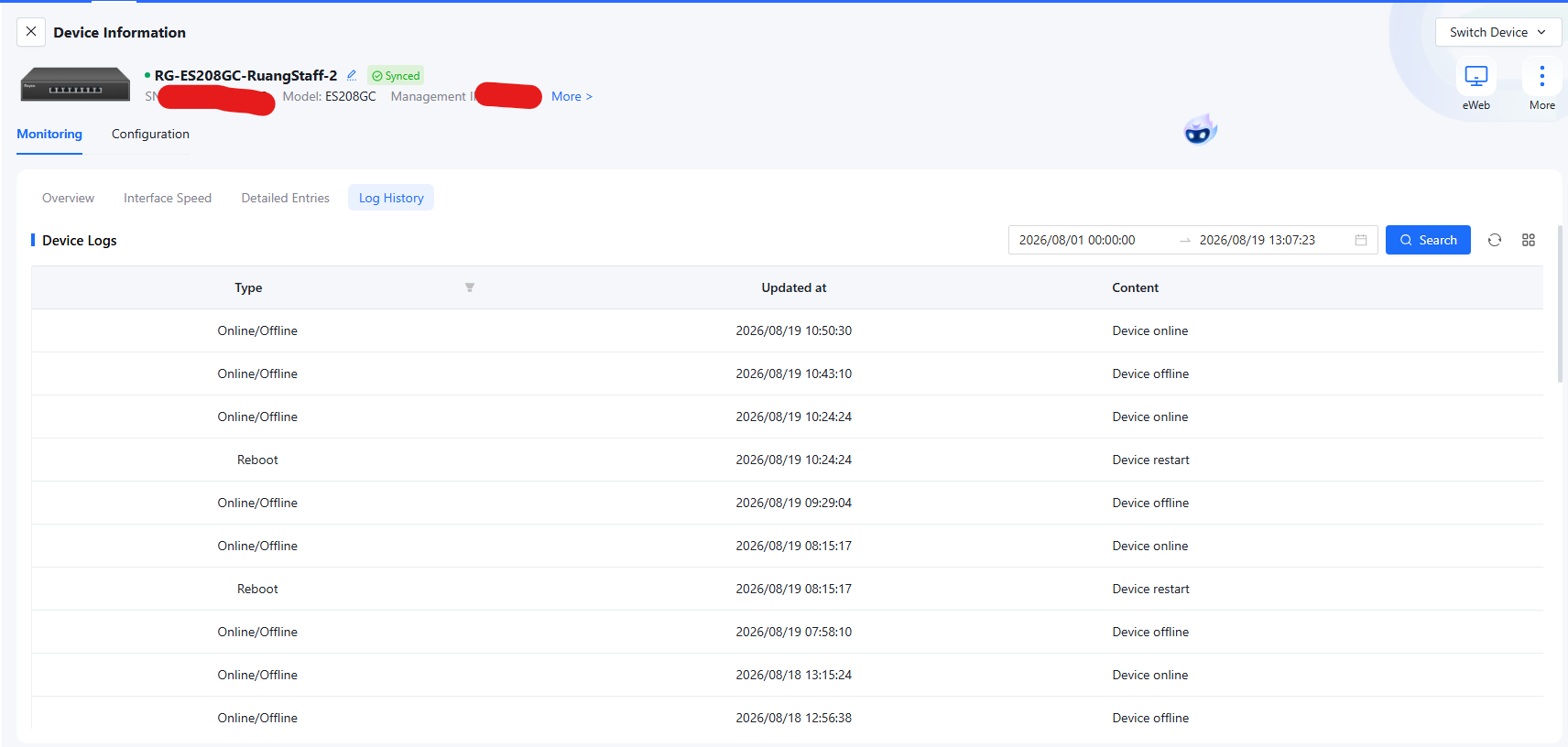 Here is what I have checked and done so far:
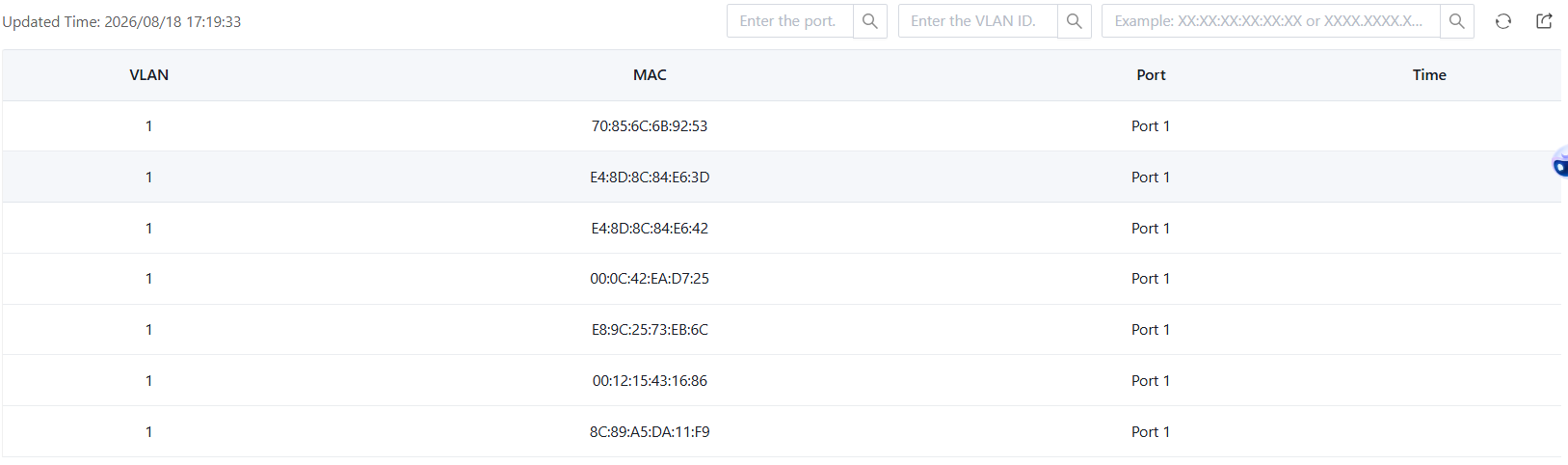 Has anyone experienced a similar issue? Specifically, I am wondering:
Thank you. |
|
Dear sir, Thank you for your detailed description. Based on the current phenomenon, you could try the following things. 1. Try swapping the positions of the two RG-ES209GC-P switches to see if the previously normal switch experiences the same problem. 2. You can also connect the currently malfunctioning switch to another LAN port on the CRS125 to see if the problem persists. 3. Although the cables have been checked, if only this switch is frequently disconnecting, we still recommend trying to replace the network cable between the switch and the CRS125 to rule out cable issues. 4. For the switch's automatic restart problem, it's usually caused by a power supply issue. You can try swapping the power adapters of the two RG-ES209GC-P switches. 5. For the MAC address table issue, you can first check if these MAC addresses are also present on the CRS125. Forfuture help, please contact us through RITA( www.ruijienetworks.com/rita), our live-chat platform. Our dedicated engineers arereadily available to resolve your issues promptly. Best Regards |
This site contains user submitted content, comments and opinions and is for informational purposes only. Ruijie may provide or recommend responses as a possible solution based on the information provided; every potential issue may involve several factors not detailed in the conversations captured in an electronic forum and Ruijie can therefore provide no guarantee as to the efficacy of any proposed solutions on the community forums. Ruijie disclaims any and all liability for the acts, omissions and conduct of any third parties in connection with or related to your use of the site. All postings and use of the content on this site are subject to the Ruijie Community Terms of Use.
More ways to get help: Visit Support Videos, call us via Service Hotline, Facebook or Live Chat.
©2000-2023 Ruijie Networks Co,Ltd


 Level 1